Productos · gratis y privadosSolo escritorio
AZ Video Editor
Editor de vídeo privado en el navegador: línea de tiempo, subtítulos IA locales, color, motion graphics y exportación — sin subir archivos.
- Tus archivos nunca salen de tu dispositivo
- Gratis e ilimitado — sin marcas de agua
- Sin registro ni colas
Lo que obtienes
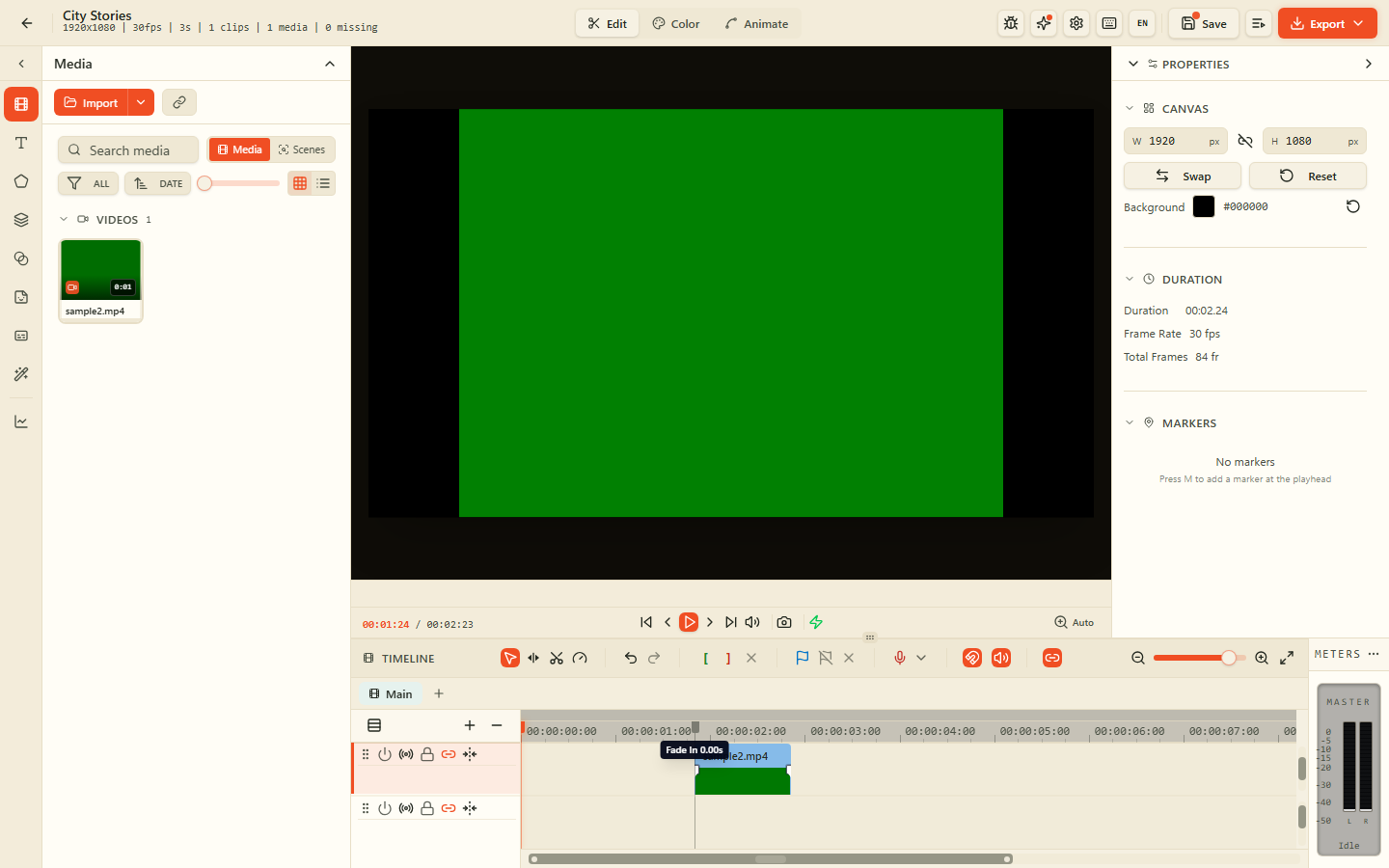
6 · Video EditorOrganiza vídeo, audio, imágenes, texto y formas en pistas a fotograma con ripple, razor y snap.
Genera subtítulos con un modelo Whisper local, edita tiempo y estilo y graba — sin conexión.
Lift, gamma, gain, curvas, balance de blancos y LUT personalizadas en el navegador.
Keyframes de posición, escala, rotación y opacidad; anima texto y formas con easing.
Desenfoque, chroma key, máscaras, modos de fusión y efectos en tiempo real con WebGL.
Carpeta de trabajo en tu disco. Medios, proyectos y exportaciones no salen de tu dispositivo.
Galería
Organiza vídeo, audio, imágenes, texto y formas en pistas a fotograma con ripple, razor y snap.
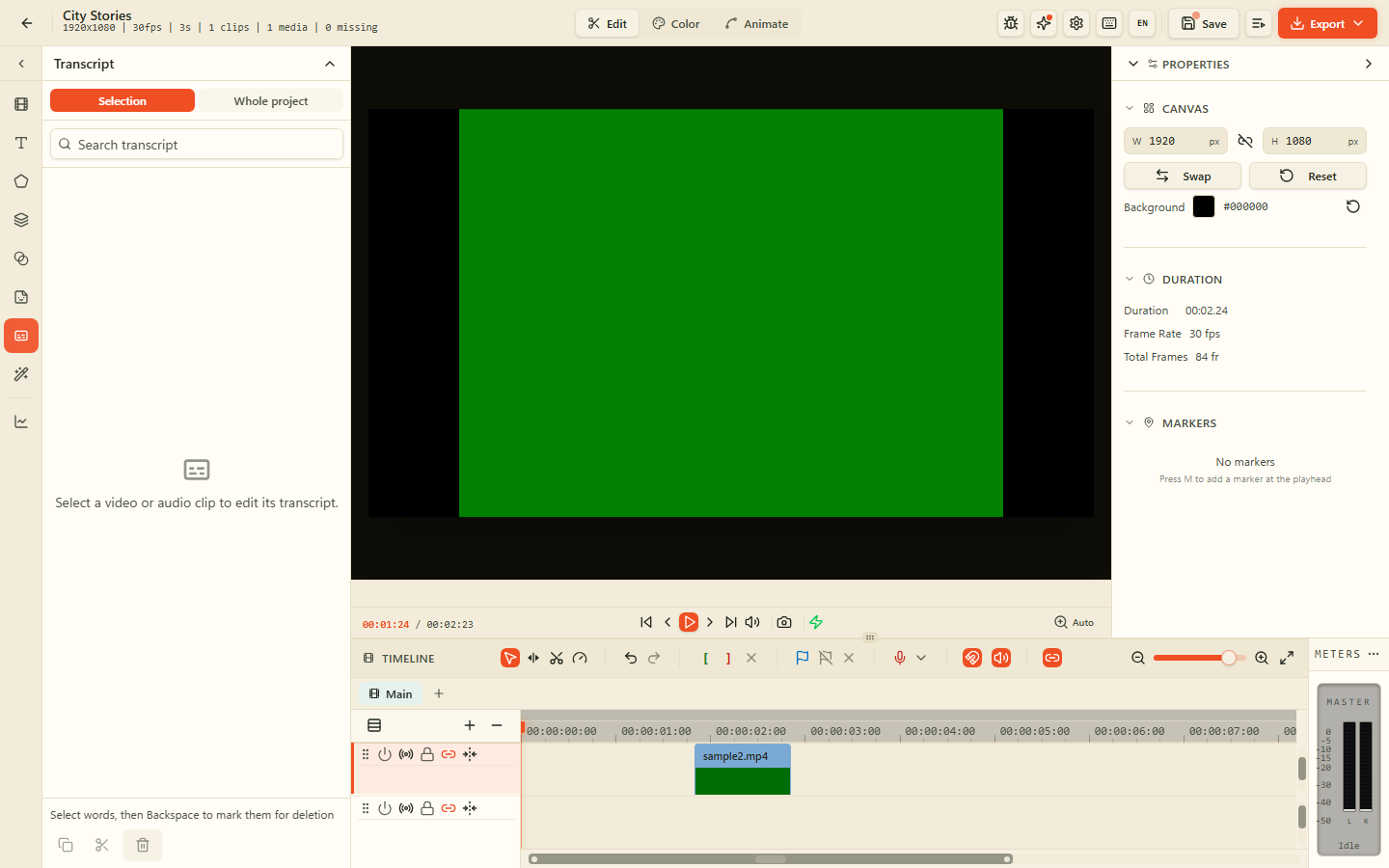
Genera subtítulos con un modelo Whisper local, edita tiempo y estilo y graba — sin conexión.
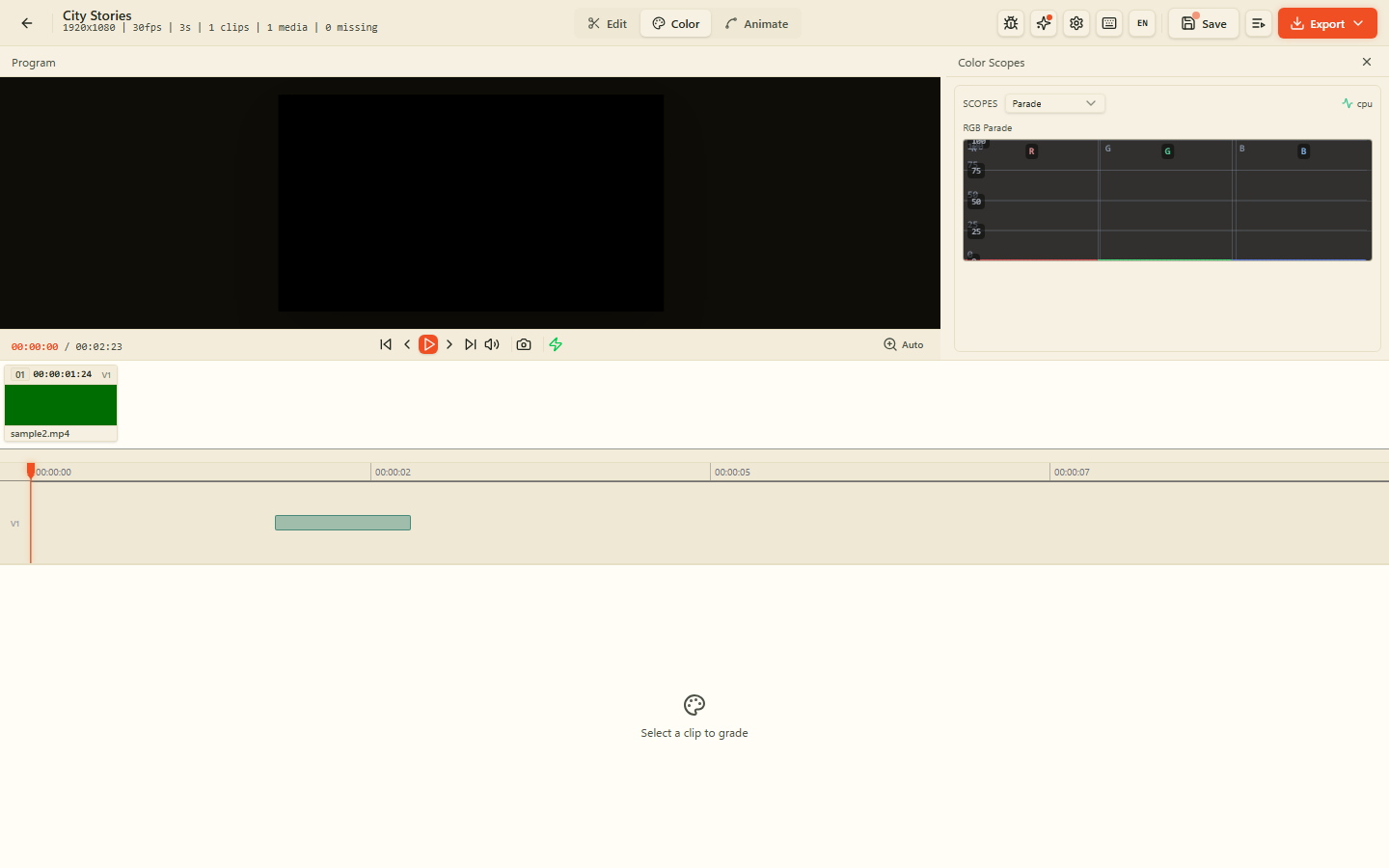
Lift, gamma, gain, curvas, balance de blancos y LUT personalizadas en el navegador.
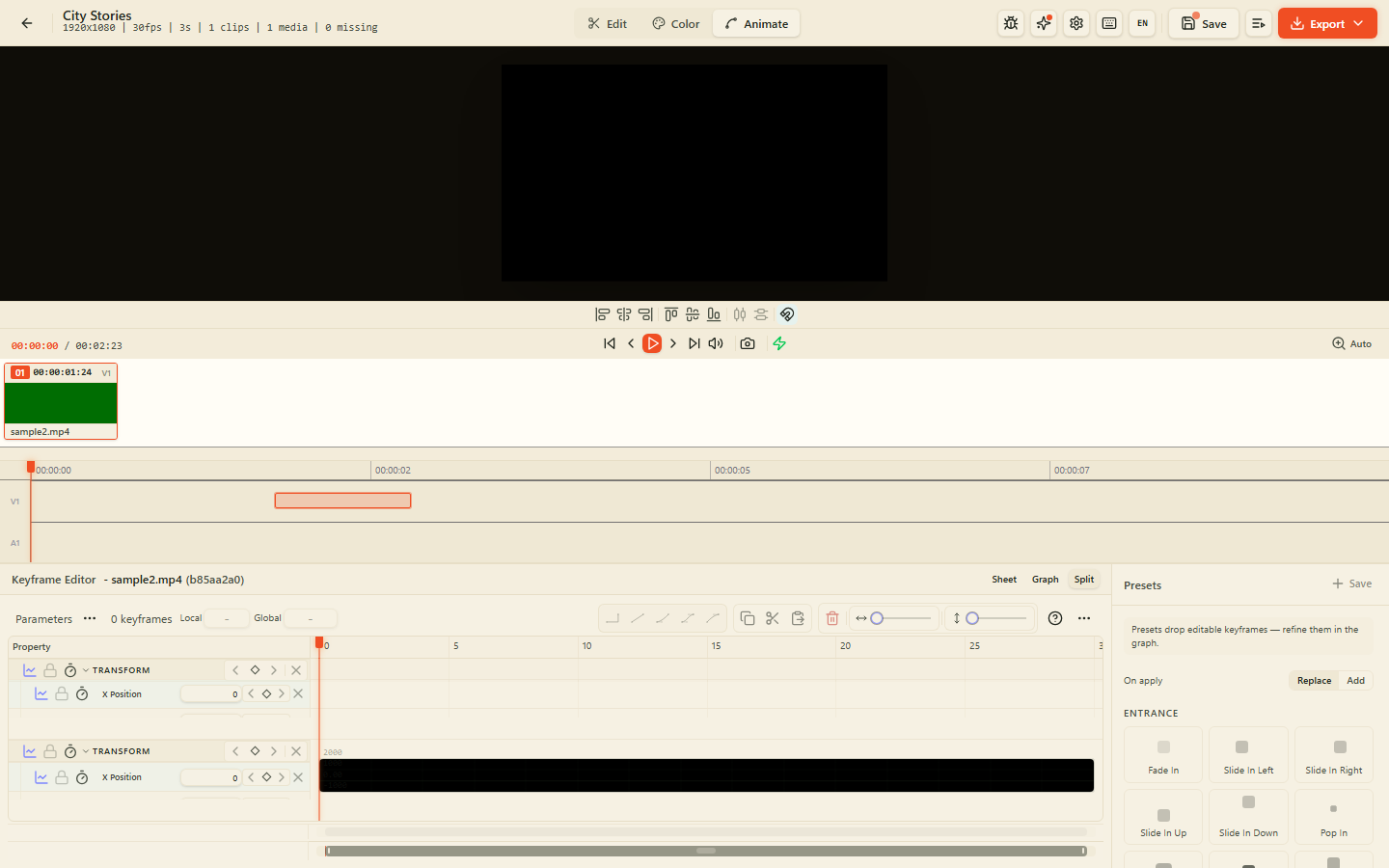
Keyframes de posición, escala, rotación y opacidad; anima texto y formas con easing.
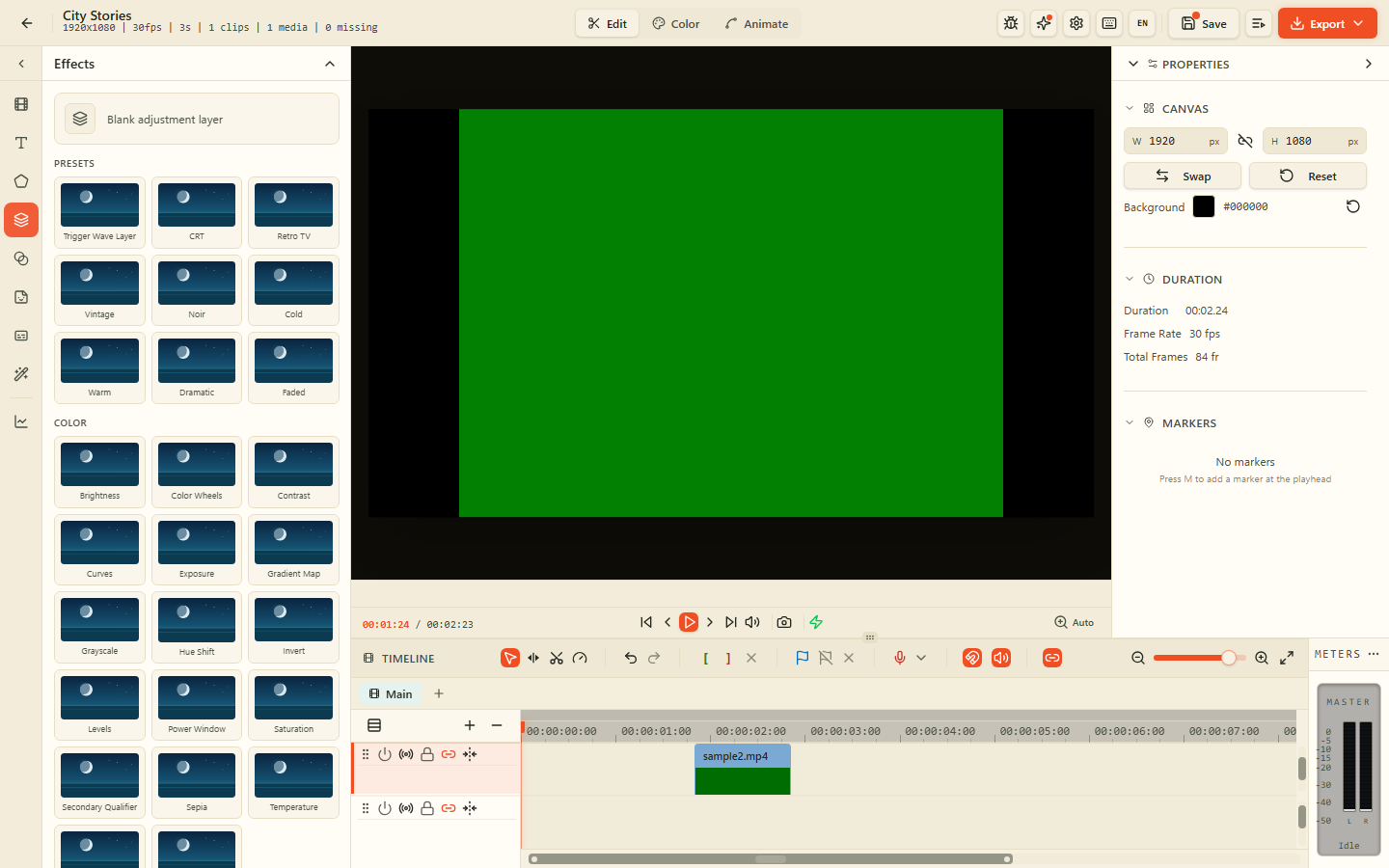
Desenfoque, chroma key, máscaras, modos de fusión y efectos en tiempo real con WebGL.
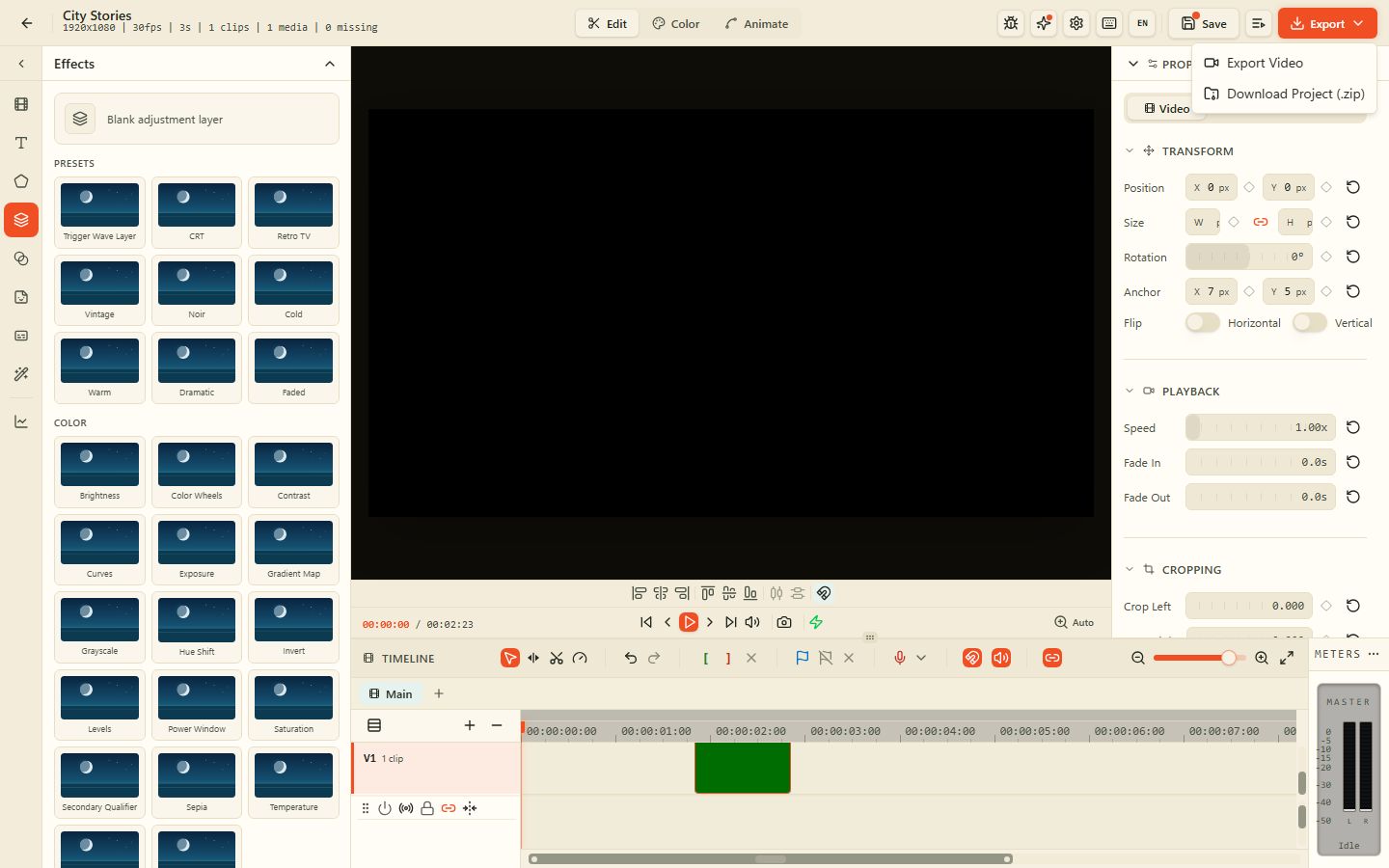
Carpeta de trabajo en tu disco. Medios, proyectos y exportaciones no salen de tu dispositivo.
¿Por qué Video Editor en AZ Tooling?
AZ Video Editor es un producto multipista completo: abre la app, elige una carpeta de trabajo local, crea o abre un proyecto y edita en la timeline con vista previa, efectos y exportación.
Todo permanece en tu dispositivo. Proyectos y medios viven en una carpeta que controlas con la API File System Access. Exporta cuando quieras: no se sube nada.
Preguntas frecuentes
¿Cómo empiezo?
Abre el producto, inicia el editor de vídeo, elige una carpeta de trabajo si se pide y crea o abre un proyecto.
¿Se suben mis vídeos?
No. Decodificación, edición, efectos y exportación se ejecutan en local. Los archivos permanecen en tu carpeta de trabajo.
¿Qué navegador necesito?
Un navegador basado en Chromium (Chrome, Edge, Brave, Arc) para la API de acceso a la carpeta de trabajo.
¿Puedo seguir usando las herramientas de vídeo sueltas?
Sí. Conversión, compresión, recorte, recuadre y subtítulos siguen disponibles por separado.
Más productos
Firma, rellena y anota PDF: dibuja o escribe tu firma, añade texto, fechas y marcas de verificación, todo en tu dispositivo.
Escanea documentos en papel con tu cámara y conviértelos en PDF limpios y con texto buscable, directamente en tu navegador.
Elimina el fondo de tus imágenes en segundos y descarga un PNG transparente, con cada píxel procesado en tu dispositivo.
Convierte escaneos, capturas de pantalla y fotos en texto editable sin enviar el documento a un servidor.
Timeline multipista, mezclador y FX en el navegador: organiza clips, graba, reduce ruido y exporta en privado.