Produkte · falas & privateDesktop only
AZ Audio Editor
Afat kohor multipista, mikser dhe FX në shfletues: renditni klipe, regjistroni, ulni zhurmën dhe eksportoni privatisht.
- Skedarët nuk largohen kurrë nga pajisja juaj
- Falas & pa kufi, pa filigranë
- Pa regjistrim, pa radhë
Çfarë merrni
6 · Audio EditorKrijoni, hapni, riemërtoni, dyfishoni, importoni dhe eksportoni projekte vetëm në këtë shfletues.
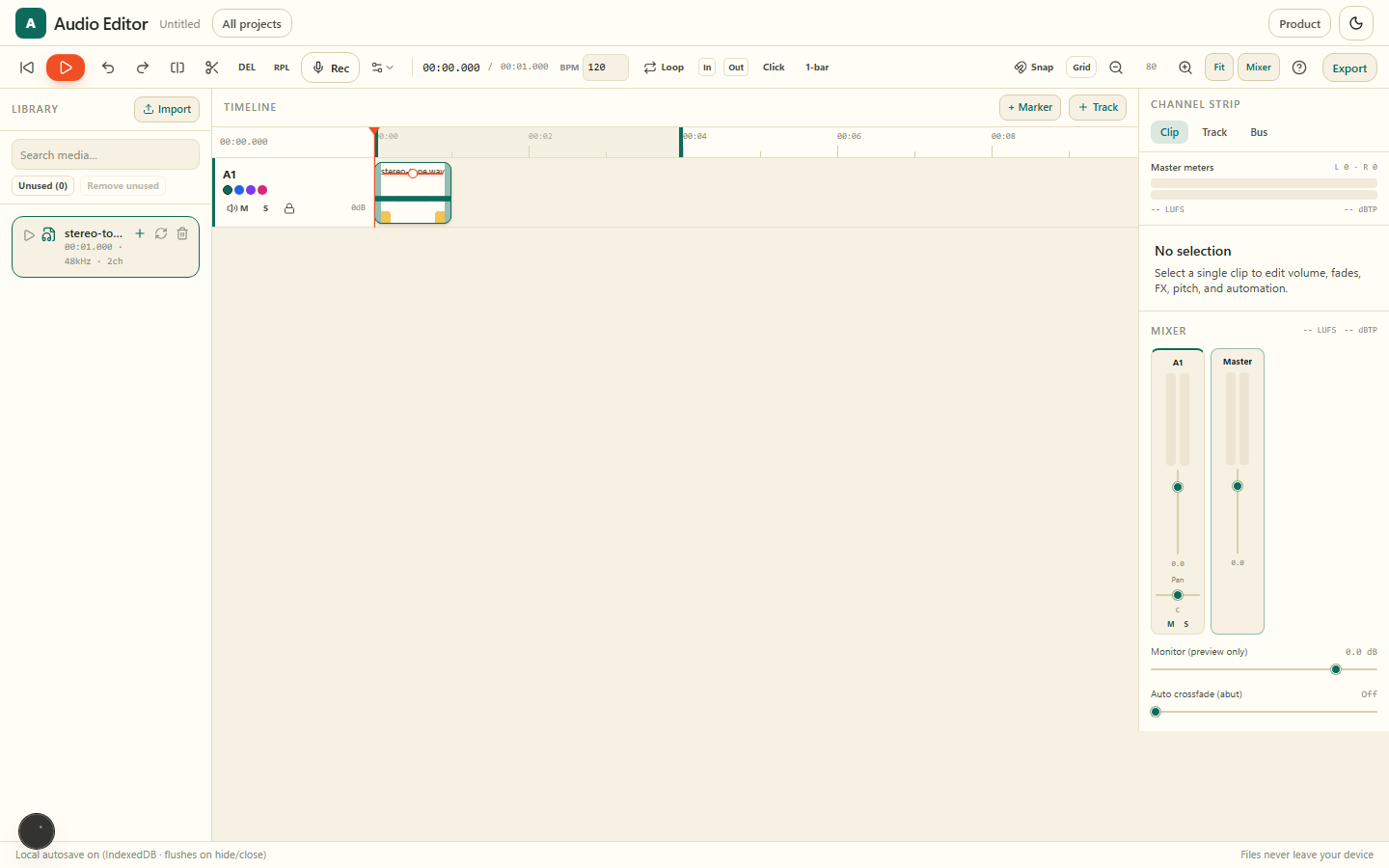
Renditni klipe në pista me snap, razor, fade dhe shënues.
Fader, pan, mute/solo, EQ, kompresor, insert dhe limiter master.
Pastro shënime zanore dhe regjistrime me denoise spektral ose AI të të folurit.
Kap take nga mikrofoni në një pistë, pastaj redakto dhe kompozo.
Mix WAV, MP3 ose AAC, stem për pistë ose paketë e plotë projekti — e gjitha lokalisht.
Gallery
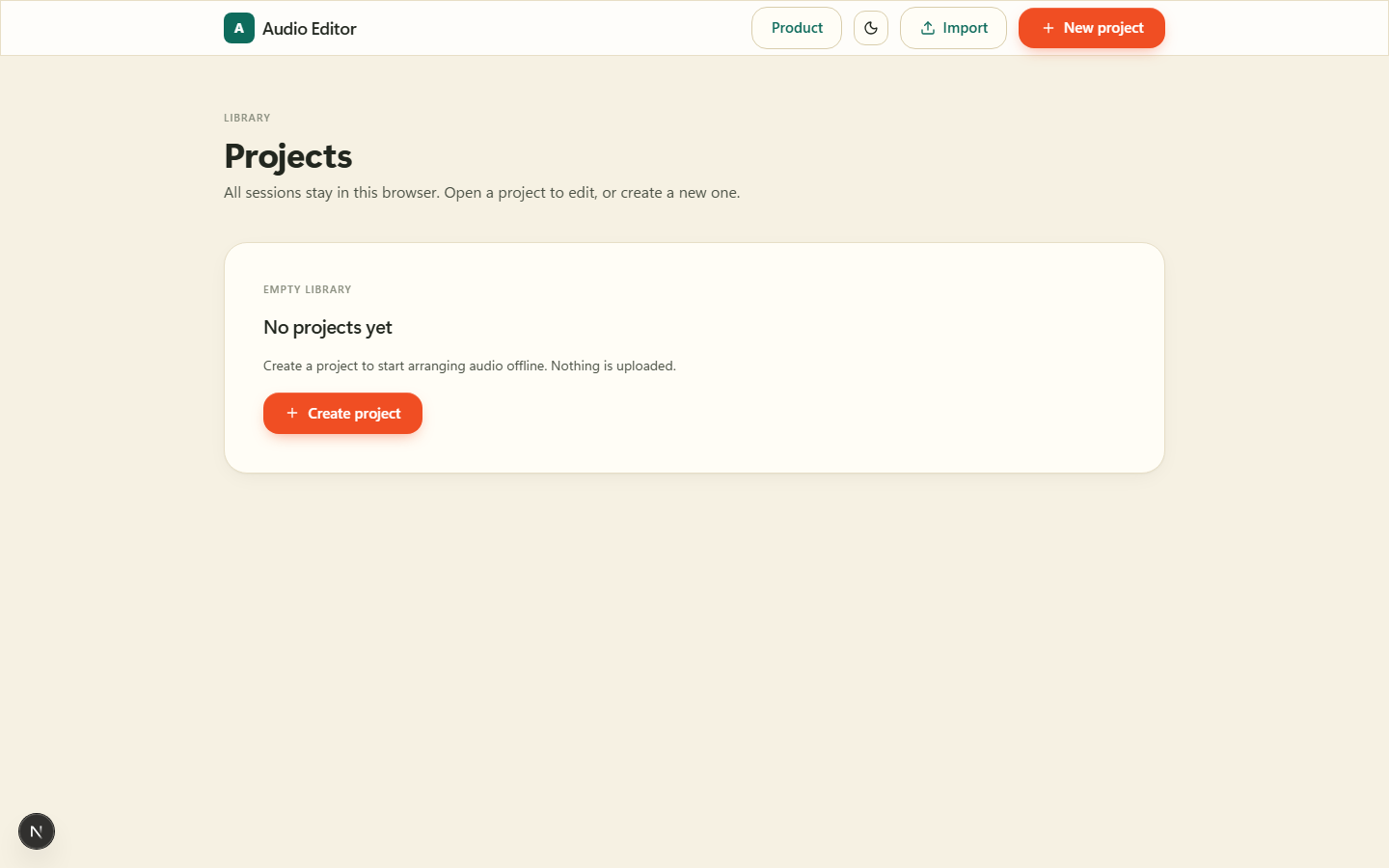
Krijoni, hapni, riemërtoni, dyfishoni, importoni dhe eksportoni projekte vetëm në këtë shfletues.
Renditni klipe në pista me snap, razor, fade dhe shënues.
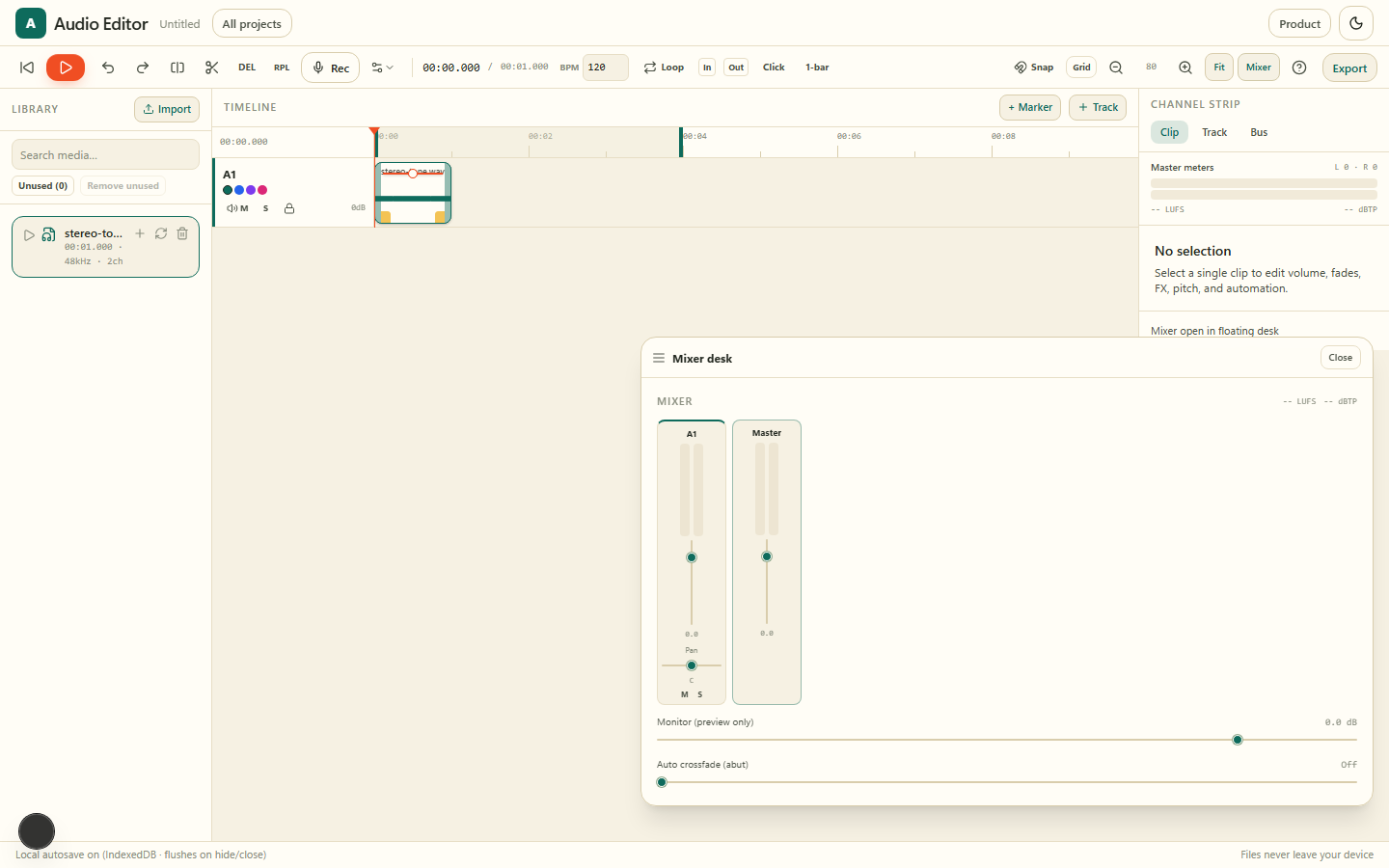
Fader, pan, mute/solo, EQ, kompresor, insert dhe limiter master.
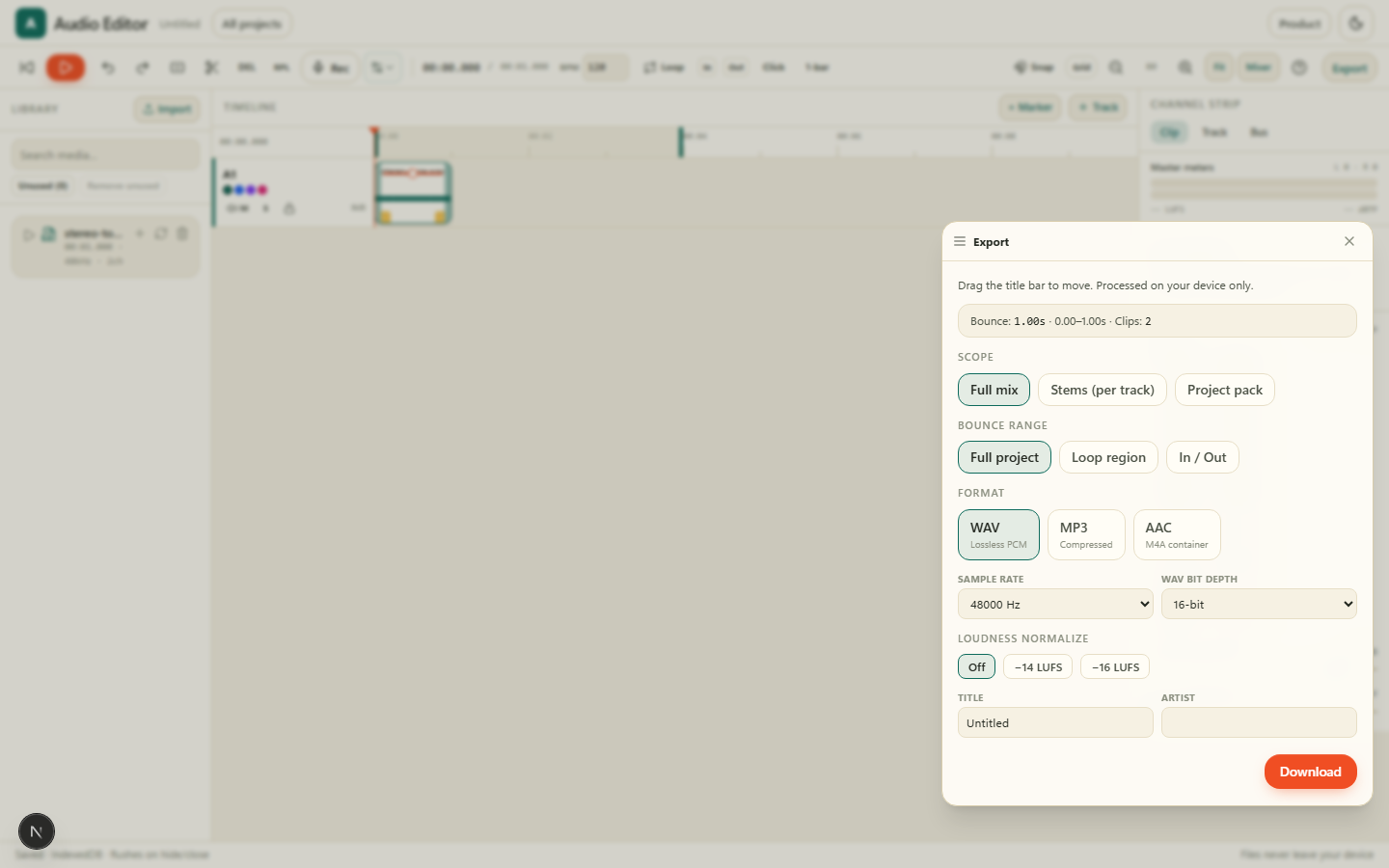
Mix WAV, MP3 ose AAC, stem për pistë ose paketë e plotë projekti — e gjitha lokalisht.
Pse Audio Editor në AZ Tooling?
AZ Audio Editor është një produkt i plotë multipista: hapni aplikacionin, krijoni ose hapni një projekt në katalogun lokal dhe redaktoni në afatin kohor me mikser, FX dhe eksport.
Gjithçka mbetet në pajisjen tuaj. Projektet ruhen në këtë shfletues (IndexedDB). Eksportoni një mix, stem ose paketë projekti kur dëshironi.
Pyetje të shpeshta
Si ta nisin?
Hapni produktin, nisni redaktuesin e audios, krijoni ose hapni një projekt në katalog dhe montoni në afatin kohor.
A ngarkohen skedarët?
Jo. Dekodimi, mix-i, efektet dhe eksporti ekzekutohen plotësisht në shfletues.
Ku ruhen projektet?
Vetëm në këtë shfletues (IndexedDB). Eksportoni një paketë projekti si rezervë.
Më shumë produkte
Nënshkruani, plotësoni dhe shënoni PDF: vizatoni ose shkruani nënshkrimin tuaj, shtoni tekst, data dhe shenja verifikimi, gjithçka në pajisjen tuaj.
Skanoni dokumente letre me kamerën tuaj dhe ktheni në PDF të pastra dhe të kërkueshme, direkt në shfletuesin tuaj.
Hiqni sfondet e imazheve brenda sekondash dhe shkarkoni një PNG transparent, me çdo piksel të përpunuar në pajisjen tuaj.
Ktheni skanime, pamje ekrani dhe foto në tekst të redaktueshëm pa e dërguar dokumentin në një server.
Redaktues privat videoje në shfletues: afat kohor, titra lokale me AI, ngjyra, motion graphics dhe eksport — pa ngarkim.