Products · free & privateDesktop only
AZ Audio Editor
Multitrack timeline, mixer and FX in your browser: arrange clips, record, denoise and export privately.
- Files never leave your device
- Free & unlimited, no watermarks
- No sign-up, no queues
What you get
6 · Audio EditorCreate, open, rename, duplicate, import and export projects stored only in this browser.
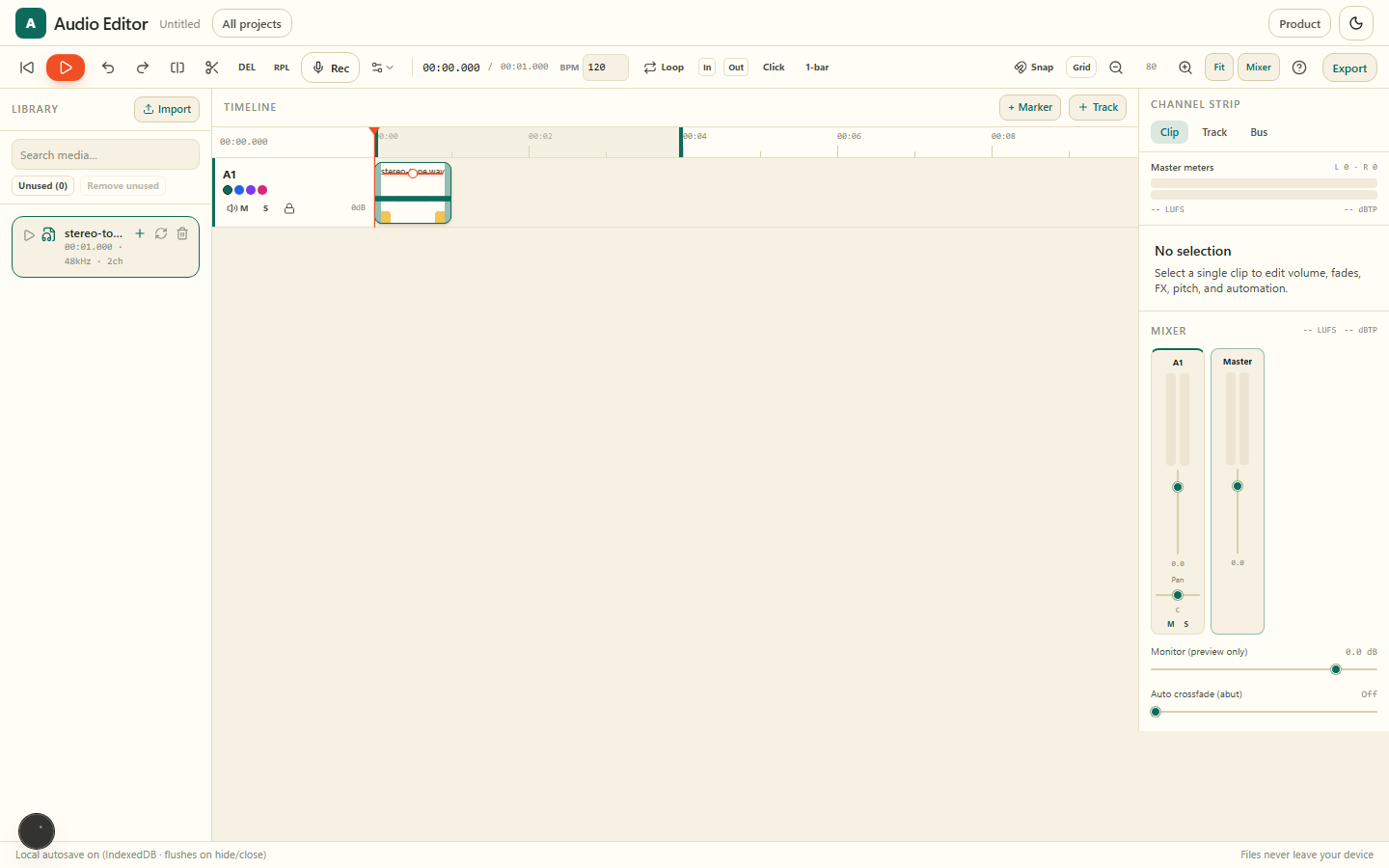
Arrange clips across tracks with snap, razor, fades and markers.
Track faders, pan, mute/solo, EQ, compressor, inserts and master limiter.
Clean up voice memos and recordings with spectral or AI-powered speech denoising.
Capture new takes straight from your microphone into a track, then edit and comp takes.
WAV, MP3 or AAC mix, per-track stems, or a full project pack - all local.
Gallery
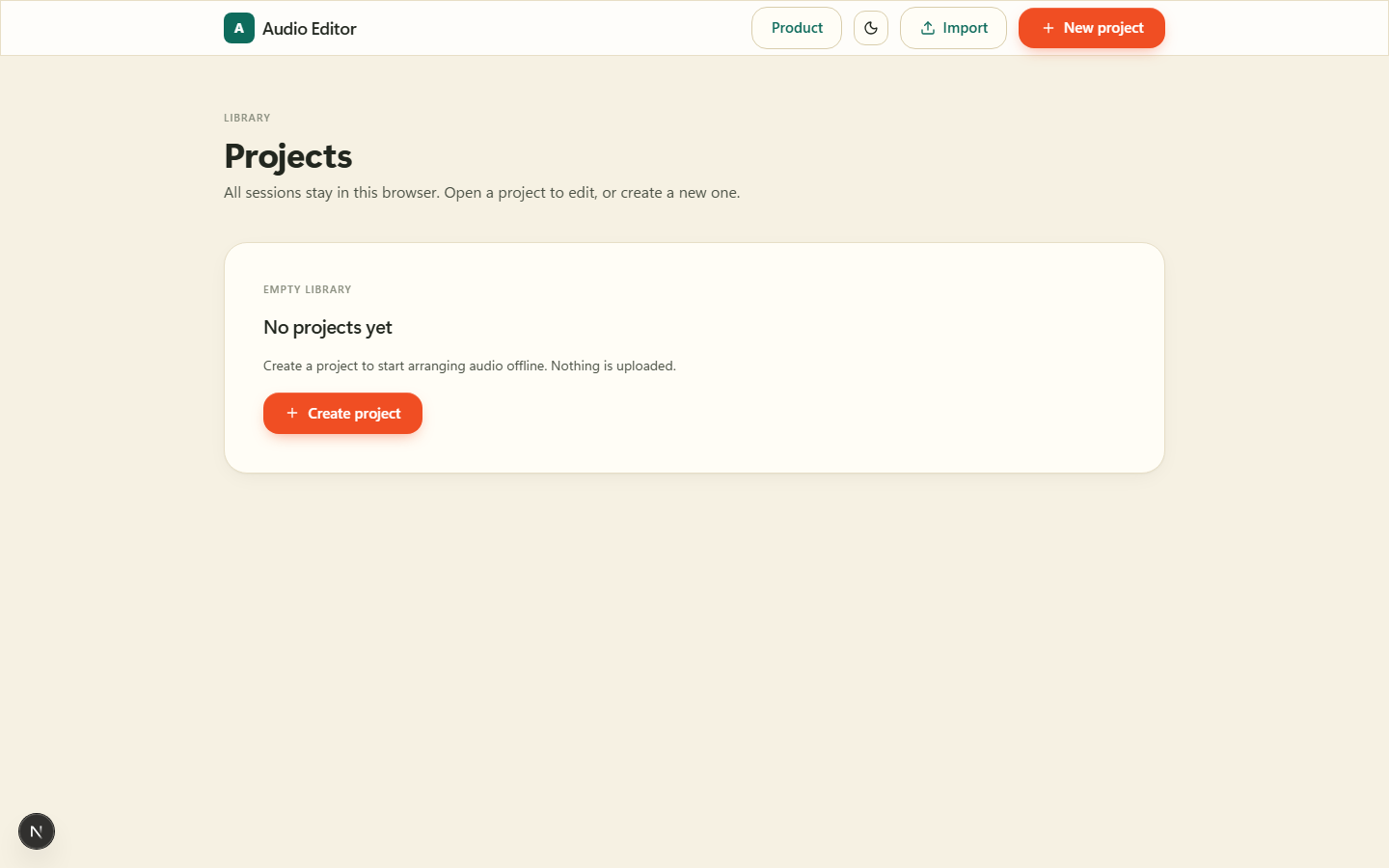
Create, open, rename, duplicate, import and export projects stored only in this browser.
Arrange clips across tracks with snap, razor, fades and markers.
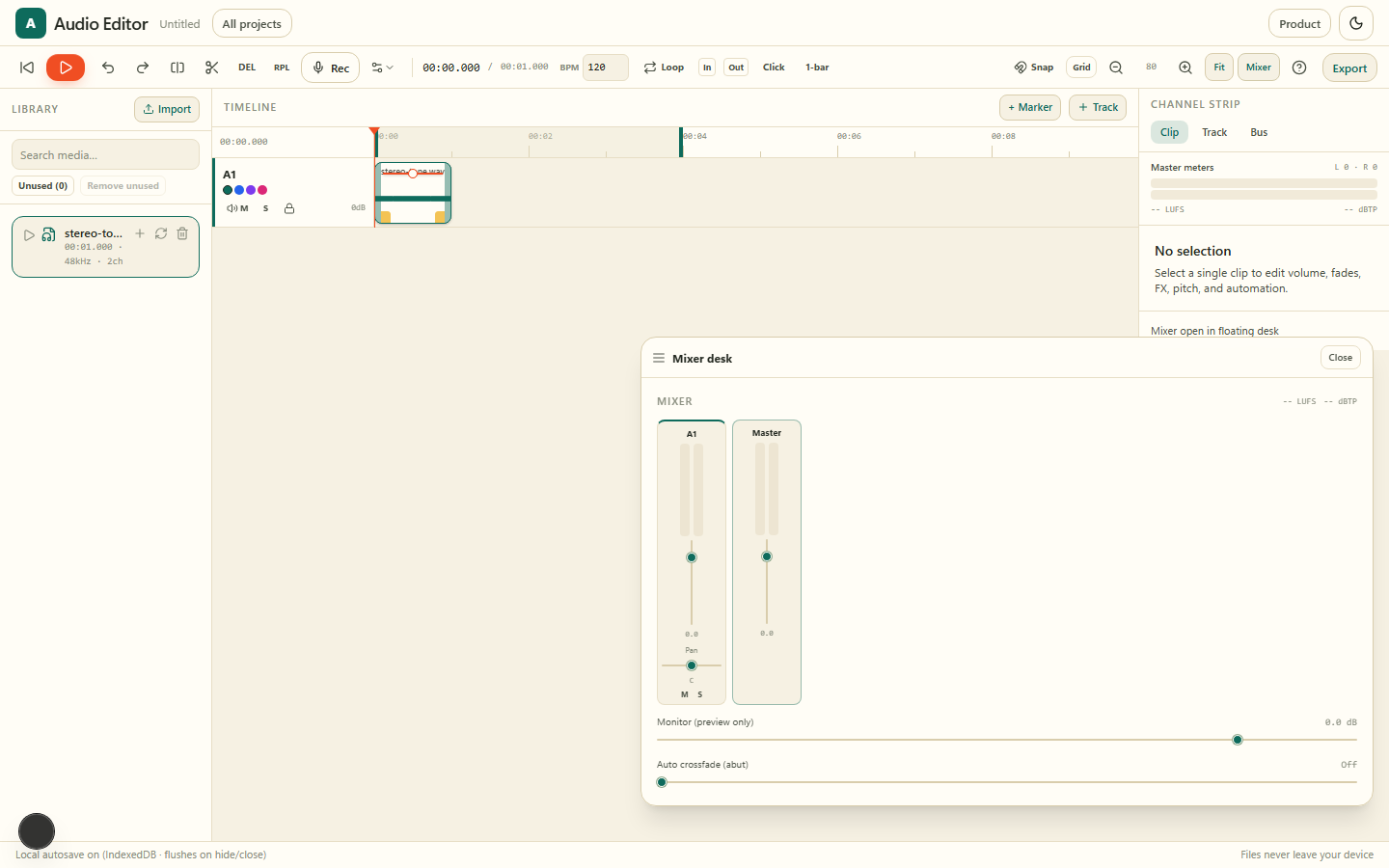
Track faders, pan, mute/solo, EQ, compressor, inserts and master limiter.
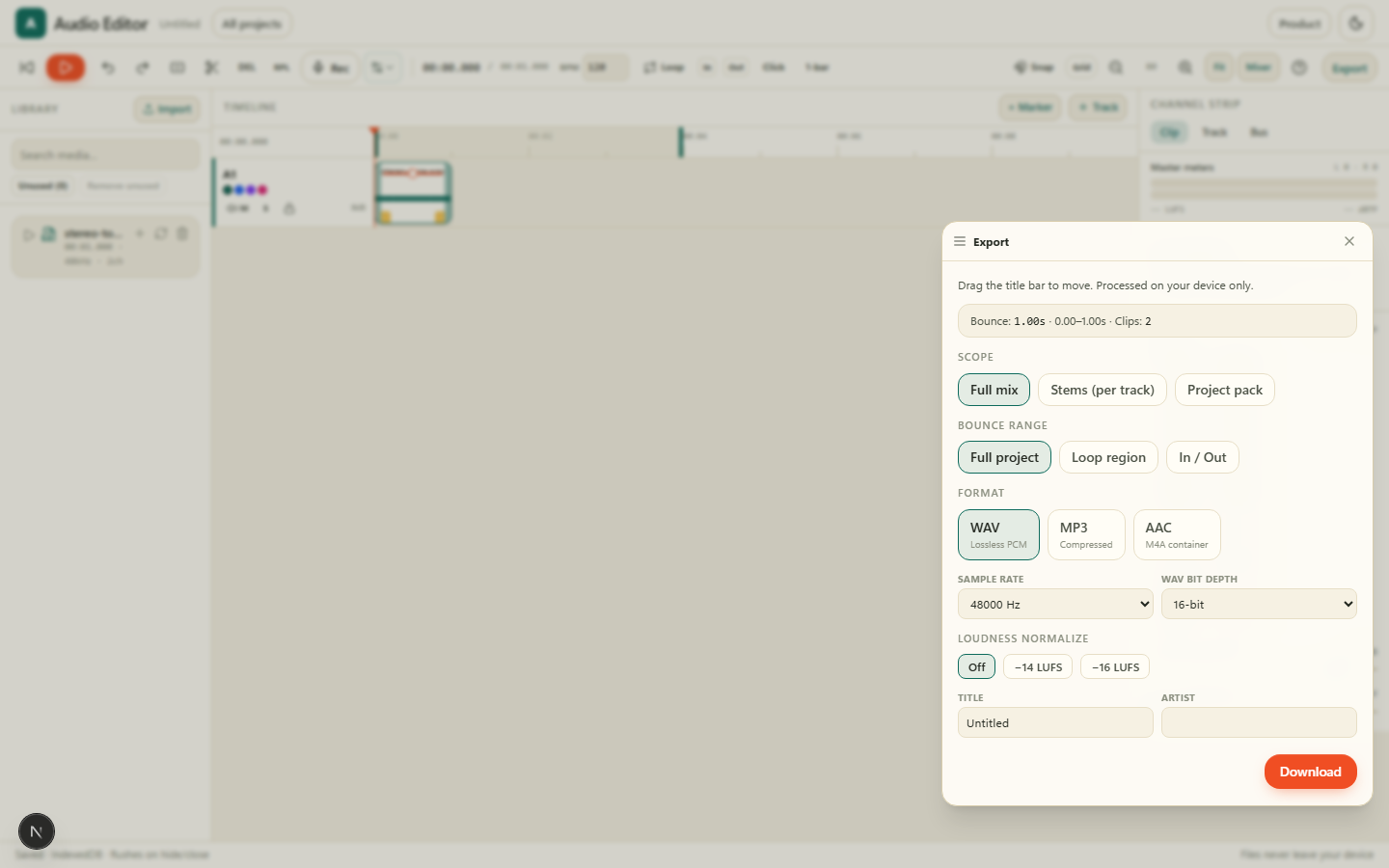
WAV, MP3 or AAC mix, per-track stems, or a full project pack - all local.
Why Audio Editor on AZ Tooling?
AZ Audio Editor is a full multitrack product: open the app, pick or create a project in your local catalogue, then edit on a timeline with mixer, FX and export.
Everything stays on your device. Projects autosave in this browser (IndexedDB). Export a mix, stems, or a portable project pack whenever you are ready.
Frequently asked questions
How do I start?
Open the product, click Open Audio Editor to enter your project catalogue, create or open a project, then edit on the timeline.
Are my files uploaded?
No. Decode, mix, effects and export run entirely in your browser.
Where are projects stored?
In this browser only (IndexedDB). Export a project pack if you need a backup file.
More products
Sign, fill and annotate PDFs: draw or type your signature, add text, dates and checkmarks, all on your device.
Scan paper documents with your camera and turn them into clean, searchable PDFs, right in your browser.
Remove image backgrounds in seconds and download a transparent PNG, with every pixel processed on your device.
Turn scans, screenshots and photos into editable text without sending the document to a server.
A full private video editor in your browser: timeline editing, local AI captions, color grading, motion graphics and export — no upload required.